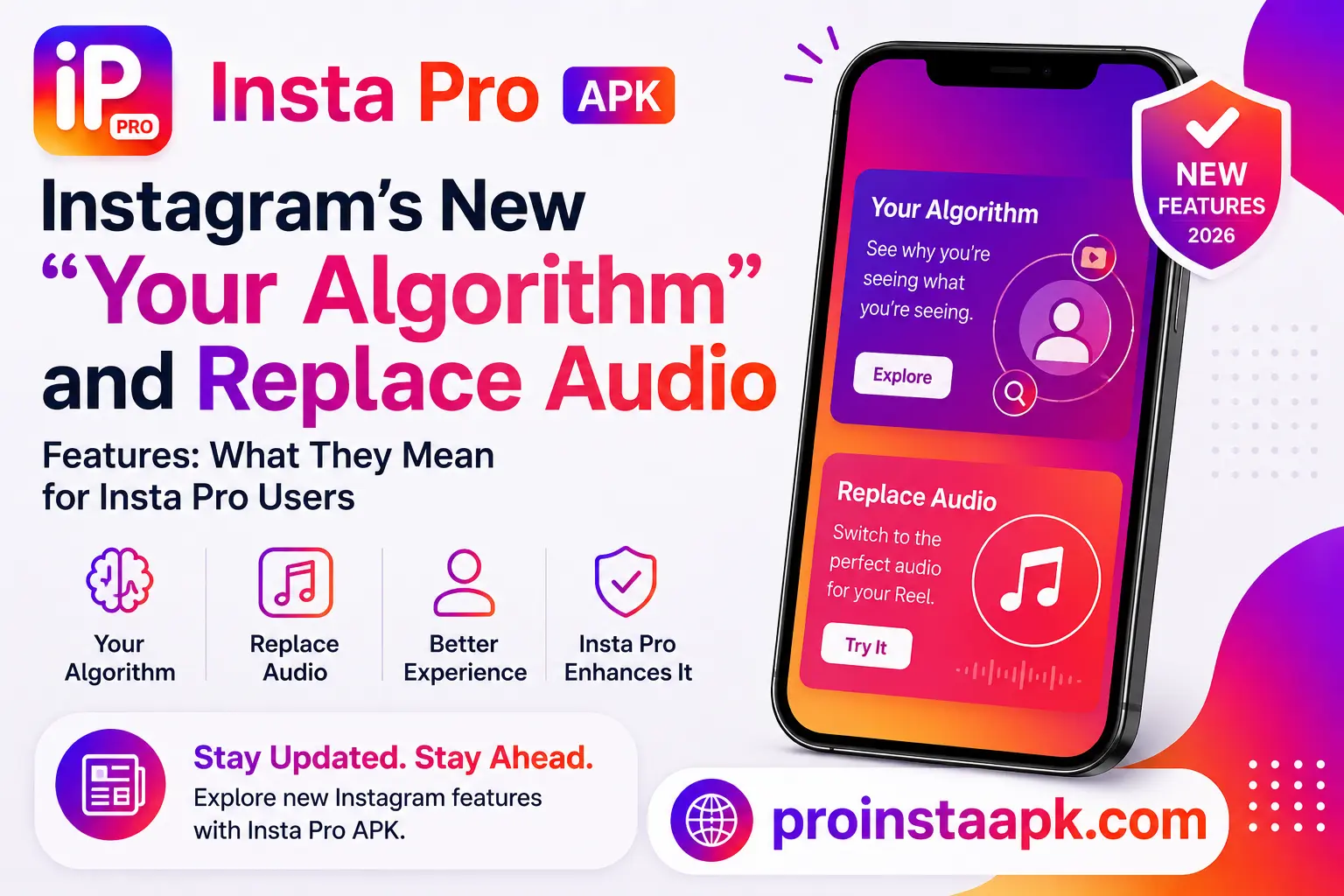
Instagram Your Algorithm and Replace Audio are two features Instagram shipped in August 2026. Your Algorithm lets you manually steer what shows up in your Reels feed, while Replace Audio lets you swap the sound on a post you already published without deleting it. Both changed how the official app behaves almost overnight. If you use Insta Pro APK instead of the official app, here is what actually changes for you, and what does not.
This is based on Instagram’s official announcement and our ongoing changelog tracking for Insta Pro. Last updated August 15, 2026.
Instagram Your Algorithm: What It Actually Does
Your Algorithm lives inside the Reels tab. Tap the two-hearts icon in the top right corner and you get direct control over your recommendation settings, including the ability to prioritize up to three topics you want to see more of. According to Instagram’s own announcement, this is part of a broader push to make recommendations feel less like a black box.
What Replace Audio Actually Does
Replace Audio applies to feed posts and carousels. Open a published post, tap the menu in the top right, choose Edit, then pick a new track or sound. The post keeps every like, comment, share, and view it already had. Instagram began rolling this out on July 21, 2026, so by now most accounts on the current official build should have access.
Does Insta Pro APK Support These Yet
Yes, within 1 to 2 weeks. Modified Instagram clients like Insta Pro are built on top of Instagram’s official codebase, then patched to unlock extra features and strip ads. When Meta ships something like Instagram Your Algorithm, mod developers have to pull the updated base, retest their patches against it, and confirm nothing breaks before pushing a new release. Based on the update pattern we have tracked on our changelog page, that gap has typically run one to two weeks for major feature rollouts.
That means if Your Algorithm or Replace Audio has reached the official Instagram app today, do not be surprised if Insta Pro gets it a little later. This is normal for any modified app and is not a sign anything is broken.
What You Can Do in the Meantime
- Check your current Insta Pro build against our changelog page to see what has already shipped.
- Get new builds from our Download page, since Insta Pro updates are installed manually rather than through the Play Store.
- If a feature is time sensitive for you, the official Instagram app will always get it first, that is simply the nature of running a mod.
- Avoid sideloading a “patched” APK from a source outside your usual download page just because it claims early access to a new feature. That is a common vector for fake or unsafe builds.
A Quick Safety Note
Whenever Instagram pushes a big update, search interest in “updated” or “patched” mod APKs spikes, and so does the number of fake download pages trying to capitalize on that interest. Stick to your existing trusted source for updates rather than chasing a link that promises a feature early. If you are unsure whether a build is safe, our safety breakdown covers what to check before installing anything.
Bottom Line
Your Algorithm and Replace Audio are genuinely useful additions to Instagram, and there is no reason to expect Insta Pro will skip them. The realistic expectation is a short wait while the mod catches up to the official base. For everything else the app already does well, from anonymous story viewing to ad-free browsing, see our full rundown on the features page.
Why Trust This Guide
This page is maintained by the same team that manages our About Us page and Changelog archive. The feature details above are sourced from Instagram’s official announcement, and this post will be updated once we confirm the same features have landed in Insta Pro. If you spot anything here that no longer matches the current release, our Contact page is the fastest way to reach us.
For the full Insta Pro APK overview, downloads, and safety details, visit the Insta Pro APK home page.