
Instander APK Download – Features & Install Guide
This guide is maintained by our editorial team and checked against the developer’s published changelog for Instander. Last verified: August 2026.
Instander APK is a modified Instagram client known for its stability and clean feature integration. It offers many of the same enhancements found in other Insta Pro variants, packaged in its own interface. It has built a reputation among mod users specifically for how rarely it breaks after an official Instagram update, which matters if you rely on the app daily.
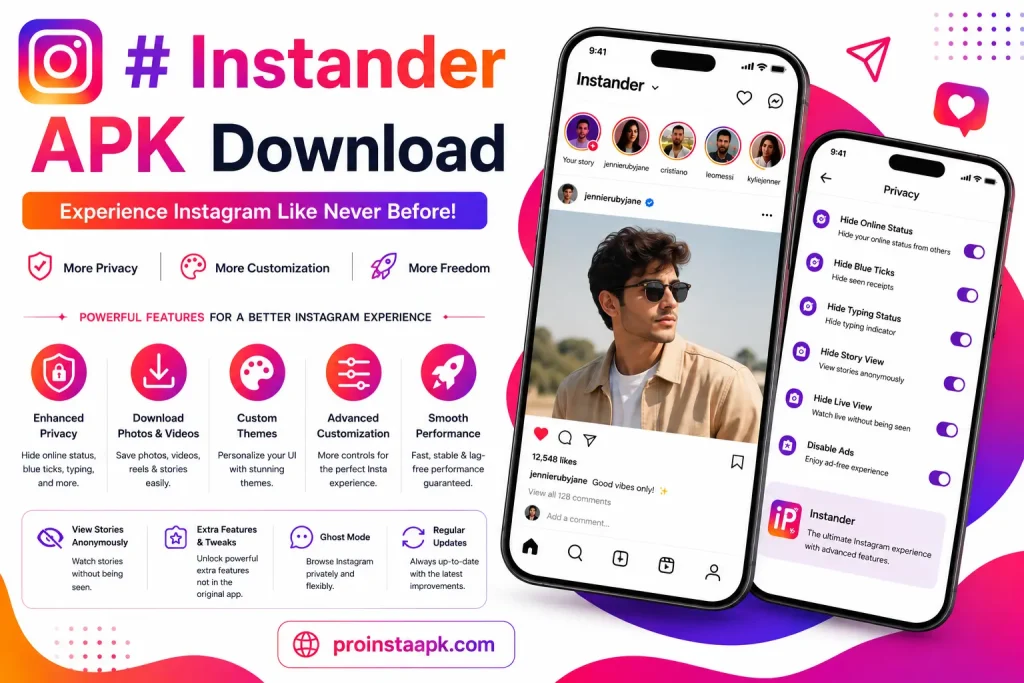
Instander APK at a Glance
- Latest version: Instander 19.1
- Size: 57.3 MB to 66 MB, depending on the source
- Android: 9.0 or higher (the Monet theme needs Android 12 or higher)
- Processor: ARM64-v8a
- Root required: No
- Developer: TheDise (Dmitry Gavrilov)
- Price: Free
- Editions: Clone, which installs alongside the official Instagram app, and Unclone, which replaces it, so the official app must be uninstalled first
- What’s new in 19.1: Instagram v318 base that runs smoother on Android 12 and above, new Story fonts and Notes, a Live badge while watching anonymously in Ghost Mode, more languages, stronger anti-ban protection, the download button moved to the three-dot menu, and fixes for special-character rendering
Instander APK Key Features
- Download support for stories, reels, photos, and videos
- Options to hide seen status and typing indicators
- Custom fonts, iOS-style emojis, and the Monet theme (Android 12 or higher)
- Ad blocking for feed ads
- Multiple account switching without repeatedly logging out
- App lock with fingerprint or PIN to keep chats and Stories private
- In-app translation for comments and DMs
- Selectable download resolution, from 360p up to full original quality
- Full-size profile picture viewer and download
- Unfollow checker, see who unfollowed you without scrolling your following list
- Settings backup and restore across installs
- Anti-delete detection for messages and Stories
- Ghost viewing on Live broadcasts, not just Stories
- Bulk download for carousel posts and albums
- Autoplay control for Feed videos and Stories
- Upload photos and videos at maximum quality without compression
- Message request controls, set separately for Instagram and Facebook users
- Do Not Disturb mode and an option to disable calls
- Gesture controls, including swipe-to-navigate and double-tap-to-like toggles
- A “Follows you” indicator and developer options
App lock and in-app translation both ship in the current Instander build, the fingerprint or PIN gate sits over the whole app, and translation works directly inside comments and DMs without switching to another app. The account switcher keeps more than one Instagram account loaded at once, and the profile picture viewer opens any photo at full size instead of the small cropped circle. Check the changelog for the exact version each feature landed in.
Instander vs Other Mods
Instander is often noted for a stable update cycle among modified Instagram apps. Compared to Insta Pro, the feature sets overlap closely; the main differences come down to interface style and update frequency, both of which can shift over time with independent developers. The Instander APK team tends to push smaller, more frequent patches rather than large version jumps, which keeps compatibility issues rare after an Instagram update.
Tips for Smooth Use
Instander APK is a stable, regularly updated client that millions of users rely on daily. A few simple habits keep it running smoothly. Avoid bursts of rapid activity, such as saving many posts back to back or following and unfollowing accounts quickly, since sudden spikes are what automated detection tends to catch.
Stick to one account per install rather than switching between several. Give the app a rest instead of staying signed in constantly. Update when a new release is available, since older builds are more likely to trip newer checks. For more detail, see our anti-ban guide.
Before Installing
Confirm the device allows installs from unknown sources, download only from a source you trust, and review requested permissions before granting access.
Permissions and Storage Access
When you first open Instander APK, it will ask for storage access so it can save downloaded photos, videos, and voice notes to your gallery. Granting only that permission, rather than everything the installer suggests, keeps the footprint small and avoids giving the app access it does not need to function. If a future prompt asks for broader access than storage, treat that as a signal to double check the source before continuing.
Why Trust This Guide
This page is maintained by the same team behind our About Us page and Changelog archive. The details above are cross-checked against the developer’s published changelog rather than a single source, and this guide is updated whenever a new build changes what the app can do. If you spot anything here that no longer matches the current release, our Contact page is the fastest way to reach us. Overall, Instander APK remains one of the most stable choices in the mod-Instagram space for users who want reliability over flashy extras.