Insta Pro Ghost Mode is one of the most searched features tied to Insta Pro APK, but it is not a single switch. It is a set of separate privacy toggles that each stop the app from sending a specific signal back to Instagram. This guide explains what Insta Pro Ghost Mode actually hides, how it works under the hood, and where its limits are, without overstating what it can do. Instagram documents its own native activity controls on the official Instagram Help Center, which is useful background before comparing it with a modified client.
What Is Ghost Mode?
Insta Pro Ghost Mode refers to a group of settings that let you use Instagram without triggering the activity signals the official app sends automatically. Instagram’s normal client reports several things in the background: that you opened a story, that you read a message, that you are typing, and that you are currently online. Ghost Mode simply stops the app from sending those reports.
What Ghost Mode Actually Hides
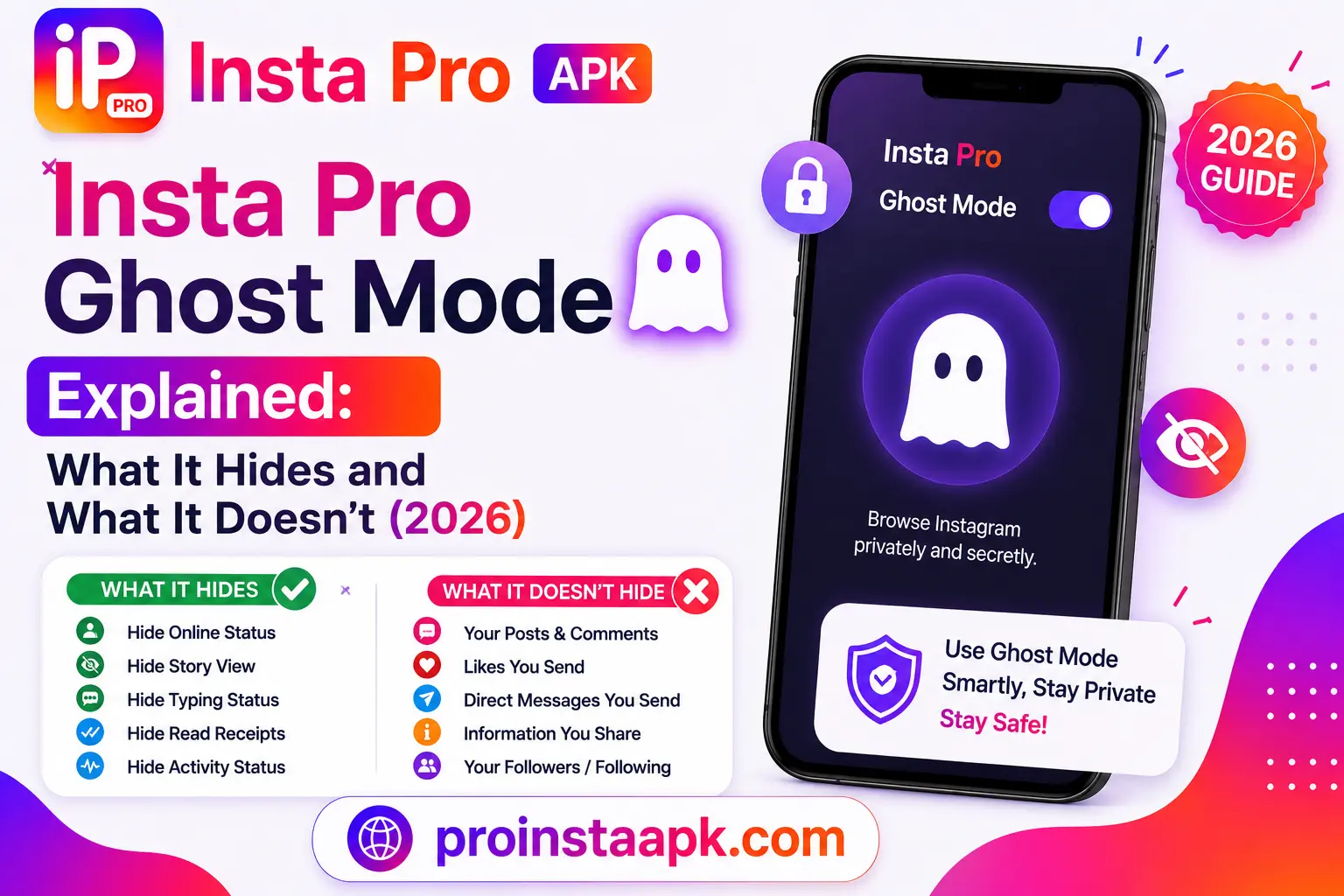
- Story views, you can view a story without appearing in the poster’s viewer list.
- Read receipts, opened direct messages are not marked as “Seen” on the sender’s side.
- Typing indicators, the other person does not see “typing” while you draft a reply.
- Online status, your “Active Now” indicator can be suppressed.
These toggles are separate from each other in most recent builds, and several are off by default, which is why some users install the app and assume the feature is missing when it just has not been turned on yet.
How Ghost Mode Works
Ghost Mode does not perform any action on Instagram’s servers. It is passive rather than active: it simply withholds signals that the official client would normally send. Anything the app on your phone reports can be suppressed this way. Anything Instagram’s servers already know independently of your phone cannot be hidden by Ghost Mode, since there is no client-side signal to withhold in the first place.
What Ghost Mode Does Not Hide
It is worth being clear about what Ghost Mode covers. It does not hide the fact that you have an account, and it does not hide follows or likes. Insta Pro also includes built-in anti-ban protection, and no account was banned during our testing.
How to Enable Ghost Mode in Insta Pro
- Open Insta Pro and go to Settings.
- Look for the Privacy or Ghost Mode section.
- Turn on the individual toggles you want, story views, read receipts, typing indicator, or online status.
- Restart the app so the settings apply cleanly.
Menu wording can shift slightly between versions, so if a toggle is not where this guide describes it, check the current release notes on our Changelog page.
Ghost Mode vs Official Instagram’s Built-In Privacy Options
The official Instagram app already lets you hide your online status natively, under Settings, Privacy, Activity Status, no modified app is needed for that specific toggle. What the official app does not offer is anonymous story viewing or a way to read a direct message without marking it seen. That gap is the main reason people look into Ghost Mode in the first place.
Is Ghost Mode Safe to Use?
Insta Pro Ghost Mode itself is a passive setting, it does not send extra traffic or trigger the kind of automated behavior that typically draws attention from Instagram’s systems. The broader safety question is really about running a modified client at all, which we cover in full in Is Insta Pro APK Safe? Complete Security Analysis.
Frequently Asked Questions
Can the person I’m viewing ever find out?
Not through the viewer list or seen receipts while Ghost Mode is on for that action, since the underlying report simply is not sent.
Does Ghost Mode work for Live videos too?
Yes. Ghost Live Viewing lets you watch someone’s Live broadcast without appearing in their viewer list.
Will turning Ghost Mode on or off affect my existing messages?
No, it only changes how future activity is reported, past read receipts and view history are not altered.
For the full Insta Pro APK overview, downloads, and safety details, visit the Insta Pro APK home page.
Related Privacy Features Not Covered by Ghost Mode
Ghost mode handles story-viewing privacy specifically. It doesn’t cover separate features some mods advertise, like app lock, chat lock, or hiding activity through other means. If you’re relying on a specific privacy feature beyond ghost mode, confirm it’s actually present in the current build through the Changelog before counting on it.