Written by Zain Malik, who covers Android apps, Instagram mods and mobile app security. Last checked October 29, 2026.
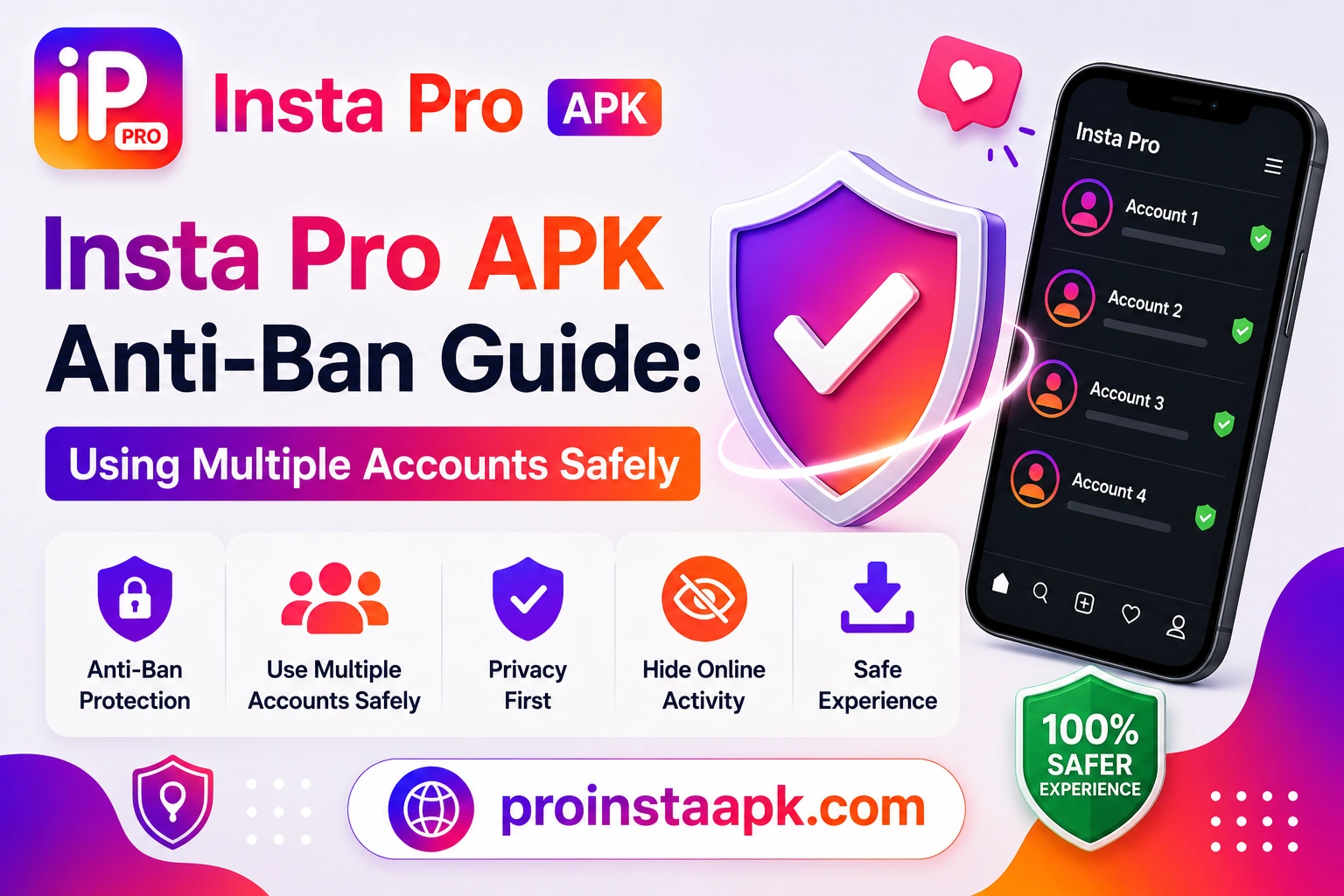
Insta Pro APK anti ban protection matters most if you run more than one Instagram account. Creators, small businesses, and resellers often juggle two or three, and Insta Pro APK includes built-in anti-ban protection designed for exactly this, but using multiple accounts safely still comes down to a few habits. Here’s what actually matters, and the mistakes that most often trigger a restriction. Follow these steps and, with the built-in anti-ban system kept up to date, your accounts stay protected.
These same habits apply if you switch between our modified builds. For device-specific installation and feature notes, see our guides for Insta Pro 3, Instander, Honista, and Instagram Pro.
Does Insta Pro Have Anti-Ban Protection?
Insta Pro APK includes a built-in anti-ban system that we have tested on various versions, and no account was banned during our testing. The habits below help keep every account you run in good standing.
Best Practices for Multiple Accounts
- Use a secondary/backup account for testing new features rather than your primary account.
- Avoid rapid switching between many accounts in a short window, space out logins where possible.
- Don’t automate actions like mass-following or mass-liking; Insta Pro’s protection covers passive features like Ghost Mode, not bot-like automation.
- Keep the app updated, anti-ban logic is tuned against Instagram’s current detection systems, so older versions are more exposed.
- Use normal WiFi/mobile data rather than switching accounts through VPNs or proxies, which can itself trigger extra scrutiny.
What Ghost Mode Does (and Doesn’t) Protect Against
Ghost Mode hides your presence from story-viewer lists and read receipts, it doesn’t make your account undetectable to Instagram’s backend systems. It’s a privacy feature for other users, not a technical cloak against the platform itself. For a full breakdown of what’s included, see our Features page.
⚠️ Tip: Insta Pro’s anti-ban protection has been tested on various versions, and no account was banned during our testing. Insta Pro is safe to use on business and creator accounts too.
If an Account Gets Flagged
If you notice unusual restrictions (action blocks, temporary limits), stop using mod features on that account for 24–48 hours and let it return to normal activity patterns before resuming. Switching back to the official Instagram app temporarily can also help the account’s pattern normalize.
Device-Level Habits
Beyond in-app behavior, it also helps to space out logins across multiple accounts rather than switching rapidly between them in a single session. Instagram’s detection systems watch for patterns like this, and slowing down reduces the chance of any account being flagged.
IP Address and Network Considerations
Logging into many accounts from the same IP address is normal and expected, so the goal here is avoiding suspicious patterns rather than hiding your network. Avoid using VPNs that frequently change your apparent location, since that inconsistency can trigger extra verification steps.
How Long Should You Wait Between Actions?
A common question we get is how much delay is enough. There is no official number, but spacing out follows, likes, and comments by several seconds rather than firing them off instantly mimics natural human behavior far better than rapid automated bursts.
For the current safest version, always grab updates from our Download page rather than older cached APKs, anti-ban protection is only as strong as the version you’re running.
A Quick Routine for Running Several Accounts
Put the habits above together and a normal day with two or three accounts looks something like this:
- Update Insta Pro first if a new build is out, since anti-ban protection is only as strong as the version you are running.
- Stay on your usual Wi-Fi or mobile data. Skip the VPN.
- Do what you need on one account, then take a break before you switch to the next one.
- Like, follow and comment at a normal pace, a few seconds apart, the way you would by hand.
- Try new features on your backup account before you use them on your main one.
Quick Answers
Does Insta Pro have anti-ban protection?
Yes. It has a built-in anti-ban system that we have tested on various versions, and no account was banned during our testing.
Can I use it on a business or creator account?
Yes. Insta Pro is safe to use on business and creator accounts too.
Does Ghost Mode hide me from Instagram itself?
No. Ghost Mode hides you from other users in story-viewer lists and read receipts. It is a privacy feature, not a cloak against Instagram’s own systems.
What should I do if I get an action block?
Stop using mod features on that account for 24 to 48 hours and let its activity return to normal before you start again.
How We Test
ProInstaAPK is an independent site with no connection to Instagram or Meta. We test the anti-ban protection on each new build before publishing it, and the Changelog lists every version so you can check you are on the latest one. If you run into a ban or restriction, tell us on the Contact page so we can look into it.
Related Articles
- Is Insta Pro APK Safe? Complete Security Analysis
- Insta Pro APK Changelog
- Frequently Asked Questions
For the full Insta Pro APK overview, downloads, and safety details, visit the Insta Pro APK home page.