How to Download Instagram Reels in HD Using Insta Pro APK
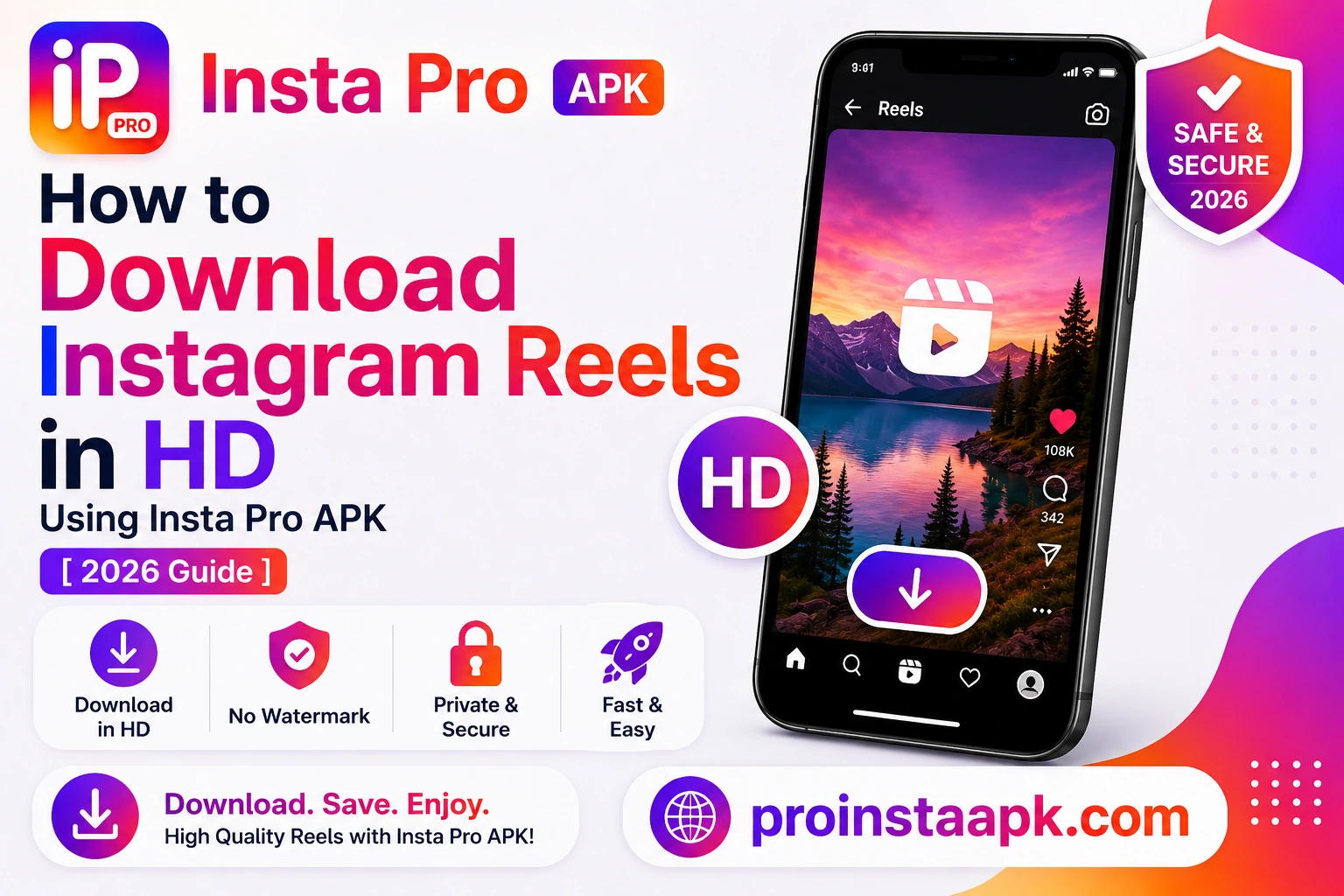
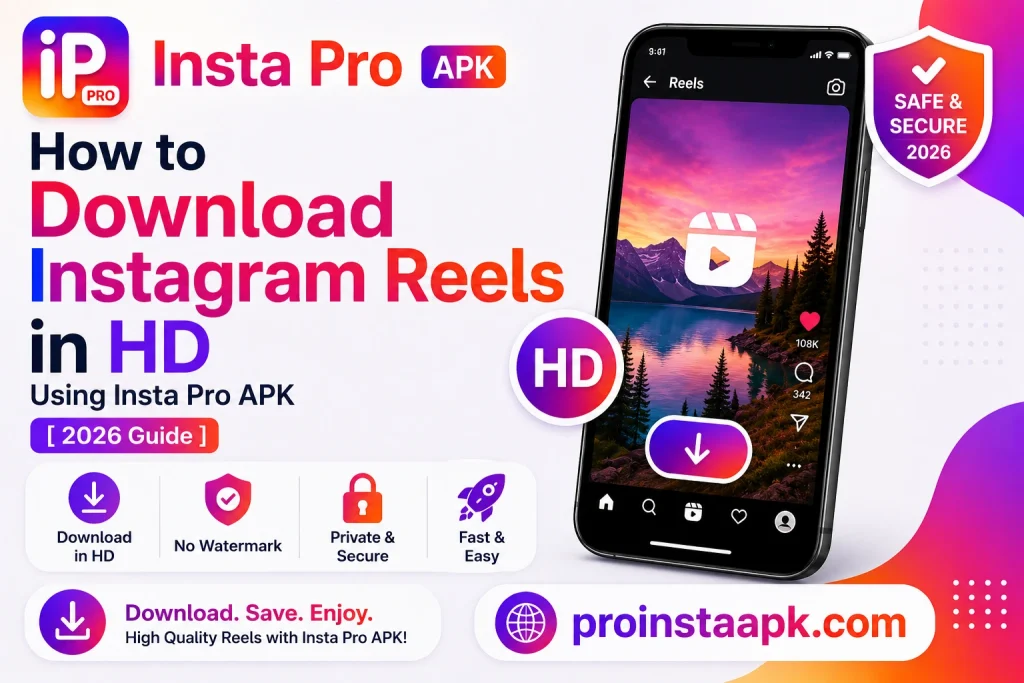
Instagram doesn’t let you save Reels natively. That’s where Insta Pro APK comes in. With the latest version, you can download Reels directly within the app in just a few taps, without a separate downloader tool. Videos are saved without an app-added watermark, and actual output quality depends on the source media.
What You Need
- Insta Pro APK v15.90 (or newer), download here
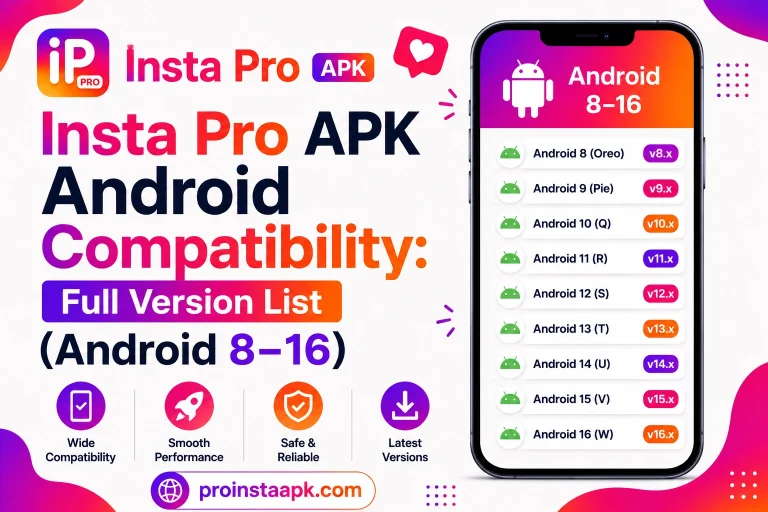
- Android 9.0 or above
- Active internet connection
Step-by-Step Guide
Open Insta Pro and Find the Reel
Navigate to the Reel you want to download in your feed or on any profile.
Tap the Download Button
You’ll see a new download icon (⬇) added by Insta Pro below the Reel. Tap it.
Select Quality
A popup appears with quality options: 480p, 720p, or 1080p HD. Select 1080p for best quality.
Wait for Download
The Reel downloads to your Gallery → InstaPro folder. Takes 5-20 seconds depending on file size and connection speed.
Why Download Instagram Reels in HD Instead of Standard Quality
When you download Instagram Reels HD through Insta Pro APK rather than screen recording, you preserve the original resolution and frame rate the creator uploaded, avoiding the compression artifacts and quality loss that screen recording introduces.
Troubleshooting Failed HD Downloads
If your attempt to download Instagram Reels HD stalls or fails, the most common cause is an unstable network connection during the download process. Switching from mobile data to WiFi, or vice versa, usually resolves it. A full storage device can also silently block the download from completing.
Downloading Private Account Reels
You can only download Instagram Reels HD content from accounts you follow if the account is private, since Insta Pro APK respects the same visibility rules as the official app. Public account Reels can be downloaded regardless of whether you follow the creator.
Batch Downloading Multiple Reels
If you want several videos from the same creator, you’ll need to repeat the download process for each Reel individually, as Insta Pro APK does not currently support batch downloading from a profile.
Where Downloaded Reels Are Saved
Every Reel you download in HD quality is saved to your device’s Gallery in the InstaPro folder by default, making it easy to find later without digging through your phone’s file manager.
Is It Legal to Download Instagram Reels?
Downloading content for personal offline viewing is generally accepted, but if you plan to repost or redistribute an HD copy you’ve downloaded, always credit the original creator and respect their content rights. Instagram’s own intellectual property policy explains what counts as fair use versus infringement if you plan to share downloaded clips publicly.
Pro Tips
- You can only download public Reels or Reels from accounts you follow.
- Downloaded Reels retain their original audio, no re-encoding.
- Use Wi-Fi for faster downloads of longer Reels.
- Organize downloads by going to Settings → Download → Custom folder path.
Don’t have Insta Pro yet?
Download the latest version for free and start saving Reels in HD today.
⬇ Download Insta Pro APK Free
- FAQ: How to Download Stories Without Being Seen
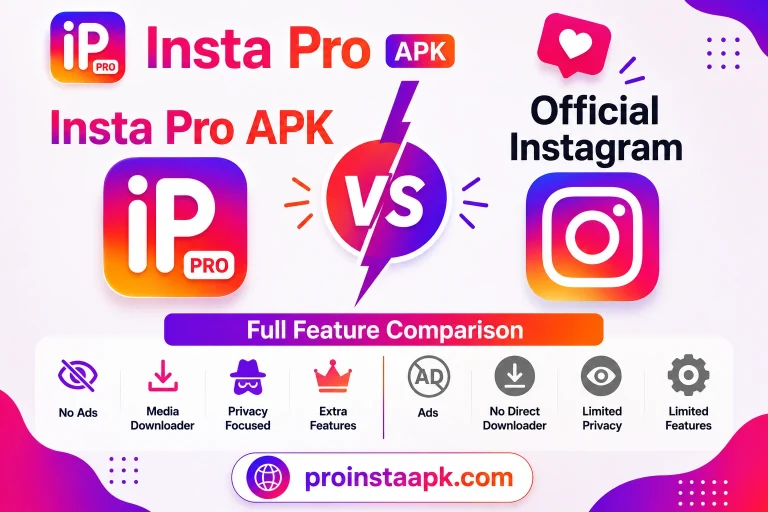
- Insta Pro APK vs Official Instagram: Full Feature Comparison
- All Insta Pro APK Features
Once it’s downloaded, you can watch it offline anytime, share it directly through messaging apps, or keep a personal archive of your favorite creators’ work without relying on an internet connection, which matters most when you’re traveling or on limited data.
For the full Insta Pro APK overview, downloads, and safety details, visit the Insta Pro APK home page.